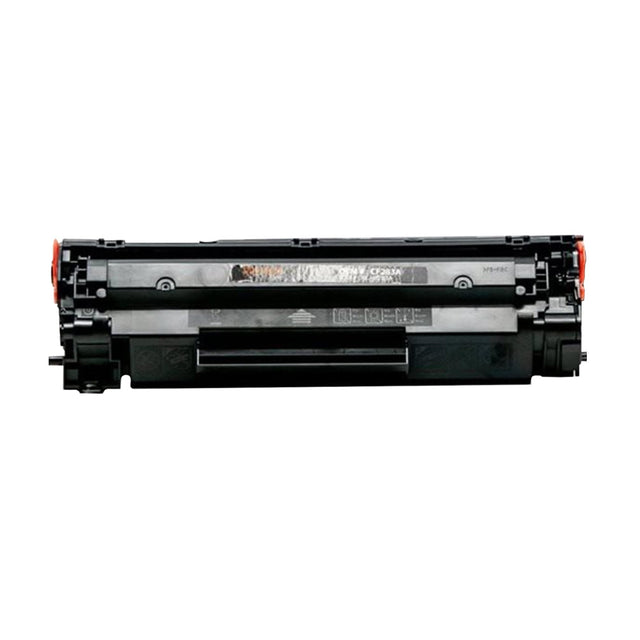
🔎What this is
Toner is a fine powder that a laser printer fuses onto paper with heat. Unlike ink, it never dries out, which is why laser printers suit offices that print in bursts.
Compatible means made by another manufacturer to fit the same printers. It costs less than the brand-name original and is covered by our 1-year replacement guarantee. Genuine vs compatible
📄Page yield & cost per page
~13,000 pages · about 2.5¢ per page
Page yield is how many pages a cartridge prints in the industry-standard test (ISO/IEC 19752). That test prints pages with about 5% coverage, roughly a short business letter. Pages full of photos or dark graphics use more, so your real count may be lower.
Cost per page = price ÷ page yield. It is the fairest way to compare cartridges. High-yield (often marked X or XL) versions usually cost less per page. How yield works
🛠️How to install it
- Open the front or top cover and pull the old cartridge out by its handle.
- Unpack the new cartridge and remove all orange or plastic tabs, tape and seals.
- Rock it gently side to side 5–6 times to spread the toner evenly.
- Slide it in along the guides until it clicks, then close the cover.
- Print a test page. Streaks on the first few pages usually clear on their own.
💡Get more pages for your money
- Don't swap at the first "low" warning. Most printers warn early. Keep printing until pages actually fade.
- Use draft or toner-save mode for internal documents and printing you don't need to look sharp.
- Faded pages? Take the cartridge out and rock it gently. It often gives you dozens more pages.
- Buy in pairs. Keeping one spare means you never stop mid-job, and larger orders get our volume discount.
📦Storage & shelf life
Keep spare cartridges sealed in their bag, lying flat, at room temperature and out of direct sunlight. Most are best used within about two years. Check the date on the box. Once opened, install the cartridge right away.
✅Will it fit my printer?
Match the cartridge number (this one is part number RHPW2011A) or your exact printer model, found on the front or top of the printer. Models that differ by one letter often take different cartridges.
Find my toner · Ask us to confirm